When your schedule does not match
Rebuild the loan and find exactly where the numbers diverge
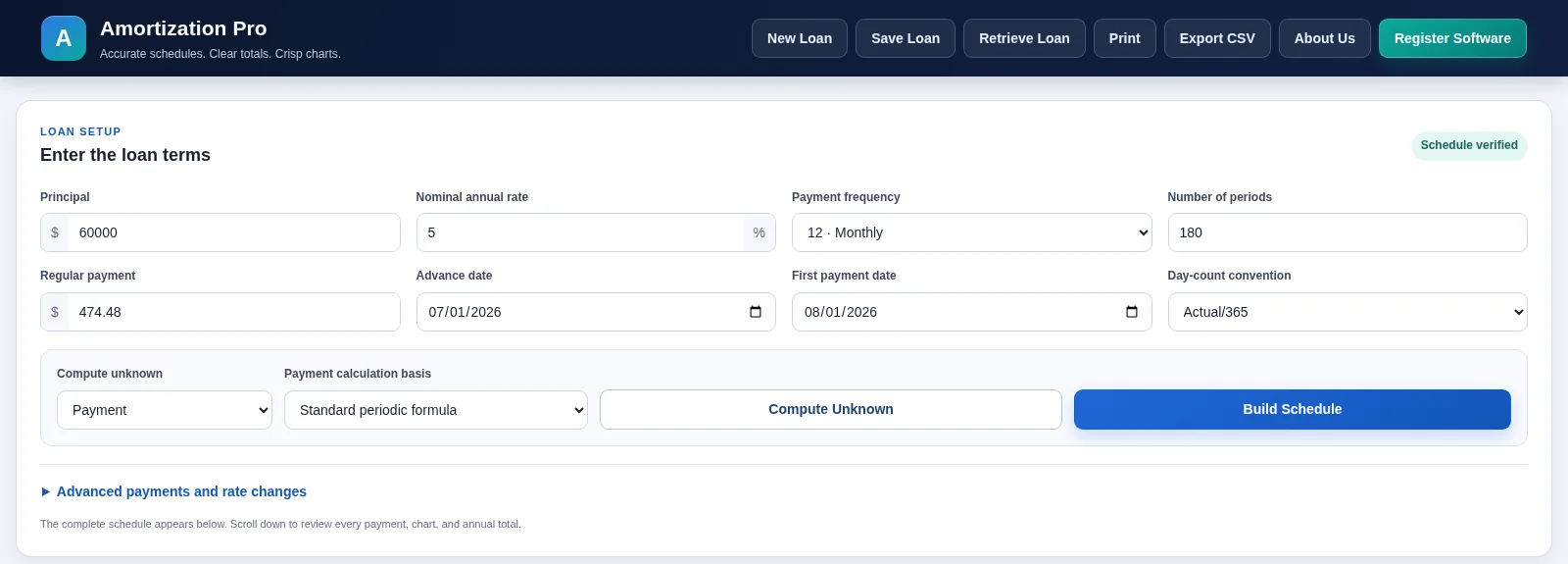
Amortization Pro lets you change individual payment dates, payment amounts, interest rates, extra principal, and notes, then recalculates the rows that follow. That makes it easier to reproduce a lender schedule and isolate the first assumption that differs.
Start with the first row that differs
Do not compare only the final total interest. Place the two schedules side by side and identify the first payment row with a different interest amount, principal amount, or ending balance. The source of the problem is often on that row or immediately before it.
Check the periodic rate
Verify whether the annual rate was divided by 12, converted using an effective-rate formula, or applied by actual days. A 6% nominal monthly rate is commonly 0.5% per month, but not every agreement uses that convention.
Check payment frequency and term
Monthly, semimonthly, and biweekly payments are not interchangeable. Monthly means 12 payments per year, semimonthly means 24, and true biweekly means 26. Using 24 when the agreement calls for 26 changes both the periodic rate and the number of payments.
Check dates, rounding, and extra payments
- Are payment dates actual calendar dates or equal mathematical periods?
- Is interest rounded to cents every row?
- Was an extra payment applied to principal on the correct date?
- Did a rate change take effect before or after a scheduled payment?
- Were fees incorrectly included in principal?
Check the final payment separately
Level-payment formulas often produce a final payment that differs by a few cents because prior rows were rounded. A good schedule adjusts the last payment to bring the principal to exactly zero rather than leaving a tiny negative or positive balance.
Document assumptions with the schedule
When a schedule may be reviewed months later, record the calculation method, compounding assumption, date basis, frequency, rounding convention, and treatment of extra payments. Those notes make it much easier to reproduce the result.
Create a repeatable reconciliation workflow
A good reconciliation process is mechanical. First, lock the original principal, stated rate, and payment frequency. Second, reproduce the first payment exactly. Third, continue only until the first row diverges. Once that row is found, inspect its date, rate, payment amount, fees, extra principal, and rounding before moving farther down the schedule.
After correcting the first difference, rebuild the later rows because every subsequent balance depends on it. Trying to “fix” a later balance with a manual adjustment can hide the real source of the error and create a second inconsistency.
When the schedule finally matches, save a short note describing the assumptions that mattered. Examples include “actual/365,” “rate changes after payment 60,” or “extra payment applied on the same date as scheduled payment.” That documentation is valuable if the calculation must be reviewed again.
Build the numbers instead of estimating them
Use the free online schedule calculator for a complete amortization table. If you need to edit individual payment dates, amounts, rates, or notes and save the revised loan, use Amortization Pro for Windows.