Quick details
| Product | Loan Payment Coupon Book Pro |
|---|---|
| Platform | Windows desktop |
| Price | $25 one-time purchase |
| Evaluation | Create and print up to 12 coupons in one print job |
| Main purpose | Create and print dated payment coupon books |
| Registration | One-time passcode for the installation |
What the software does
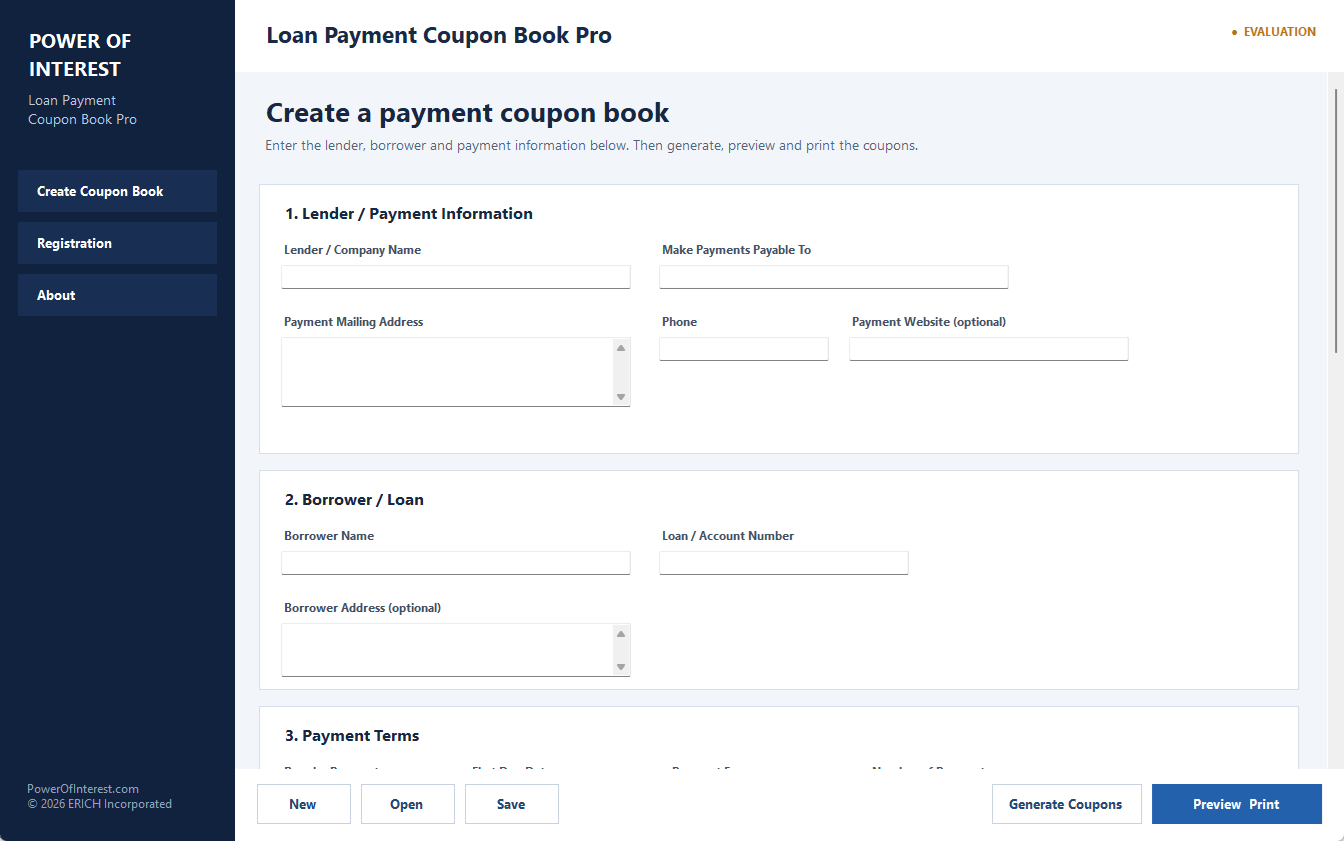
- Generate 1 to 480 monthly payment coupons.
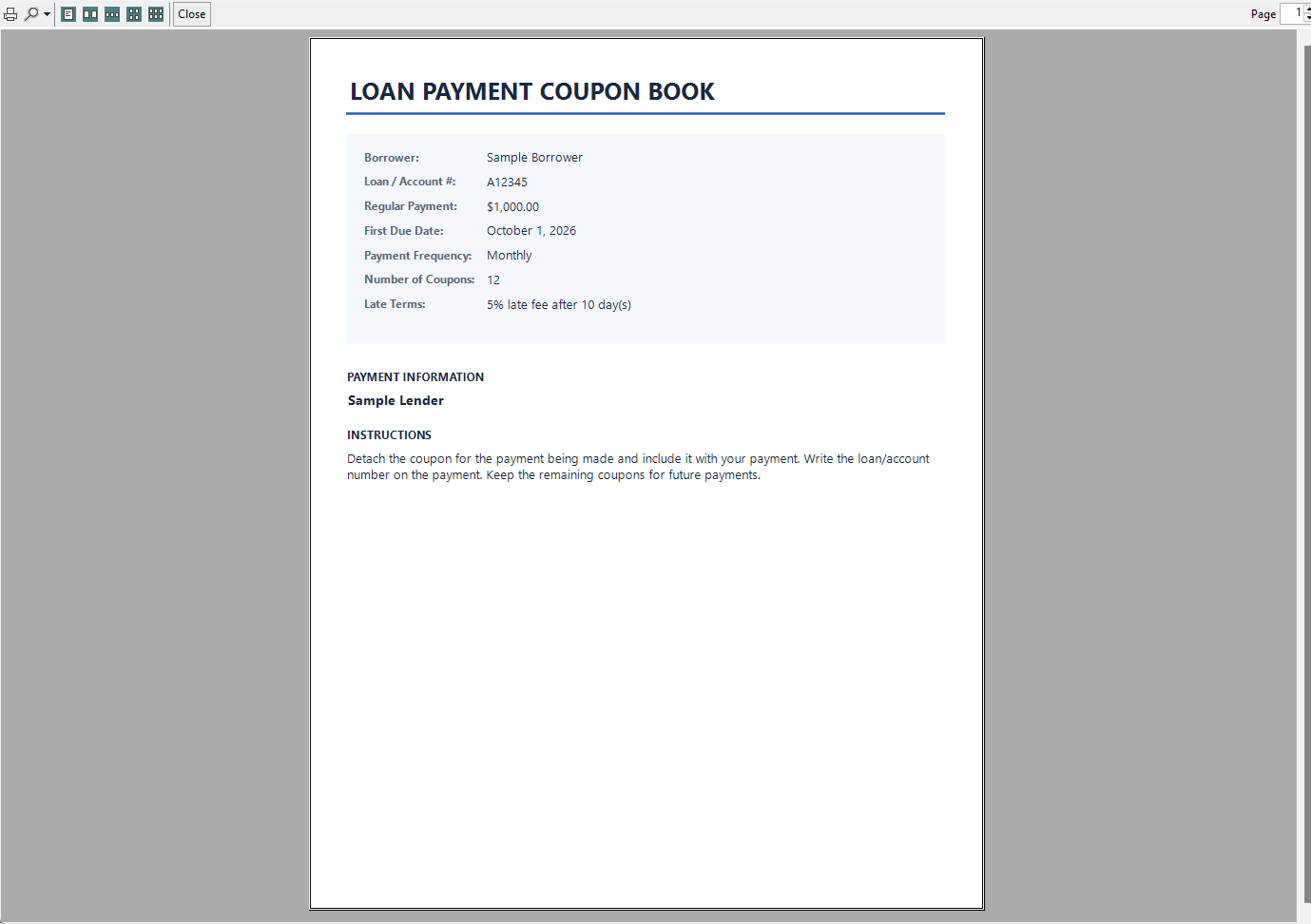
- Choose 3, 4, or 6 coupons per printed page.
- Add lender or payment address, borrower name, and account number.
- Include optional flat-fee or percentage late-fee wording.
- Print the complete book or only a selected coupon range.
- Save and reopen coupon-book files on your computer.
- Use Windows print preview for clean printed coupon books.
Best fit for this program
This is a good fit when you already know the payment amount and due-date sequence and you simply need a clean, printable coupon book for the borrower.
Evaluation, purchase, and registration
The evaluation lets you see the program and print a smaller coupon set before purchasing. Registration unlocks larger coupon books without requiring a reinstall.
After purchasing through PayPal, PayPal returns you to the Power of Interest registration page. Open Register Software in Loan Payment Coupon Book Pro and enter the Installation ID or User ID requested on the page. The registration page verifies the purchase and provides the one-time passcode automatically. No email or manual response is required, so you can register any time, day or night.
Instant online registration after PayPal purchase — no waiting for email. One-time purchase · No subscription · Secure payment through PayPal · Free evaluation available · Refund policy · License terms
What happens after you buy?
Related guides
Need background information before you create the coupon book? These guides explain common use cases.