Quick details
| Product | Private Loan Manager |
|---|---|
| Platform | 64-bit Windows 10 or Windows 11 |
| Price | $99 one-time purchase |
| Evaluation | Up to 2 active loans and 10 transactions before registration |
| Data | Stored locally on your Windows computer |
| Registration | One-time passcode for the installation |
Built for ongoing private loan management
- Maintain multiple private, seller-financed, mortgage, note, or installment loans.
- See the current principal balance and portfolio totals at a glance.
- Record regular, partial, principal-only, and interest-only payments.
- Track payment allocation between principal, interest, fees, escrow, and other adjustments.
- Monitor upcoming payments, grace periods, past-due amounts, maturity dates, insurance dates, and tax dates.
- Calculate the balance as of a selected historical date.
- Calculate payoff amounts and review a complete transaction history.
- Prepare annual interest and principal totals for a selected loan or the full portfolio.
Answer the questions a lender asks most often
See the loan-management workflow
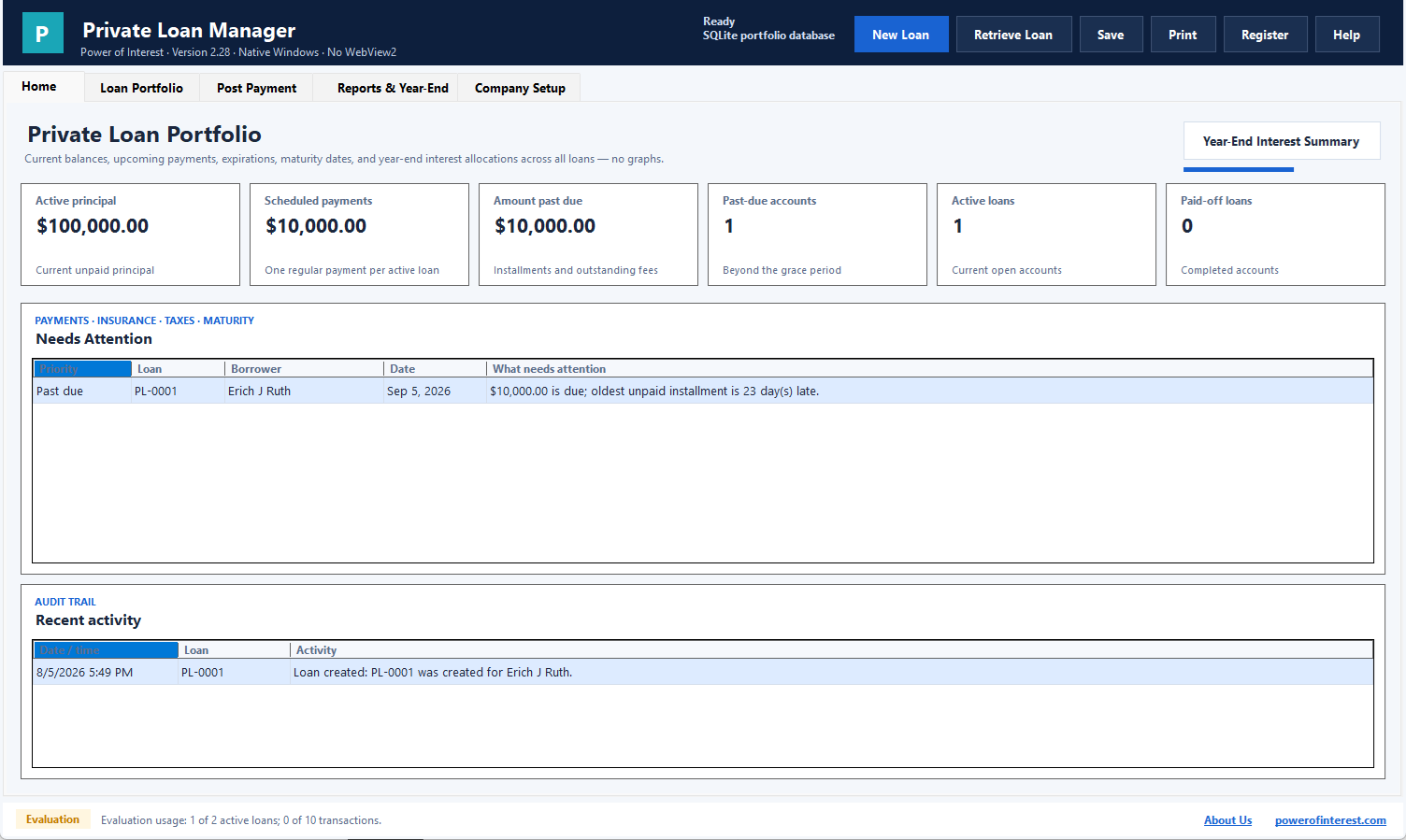
These screens show the portfolio, loan ledger, dashboard, and reporting workflow used to keep private loan records organized.
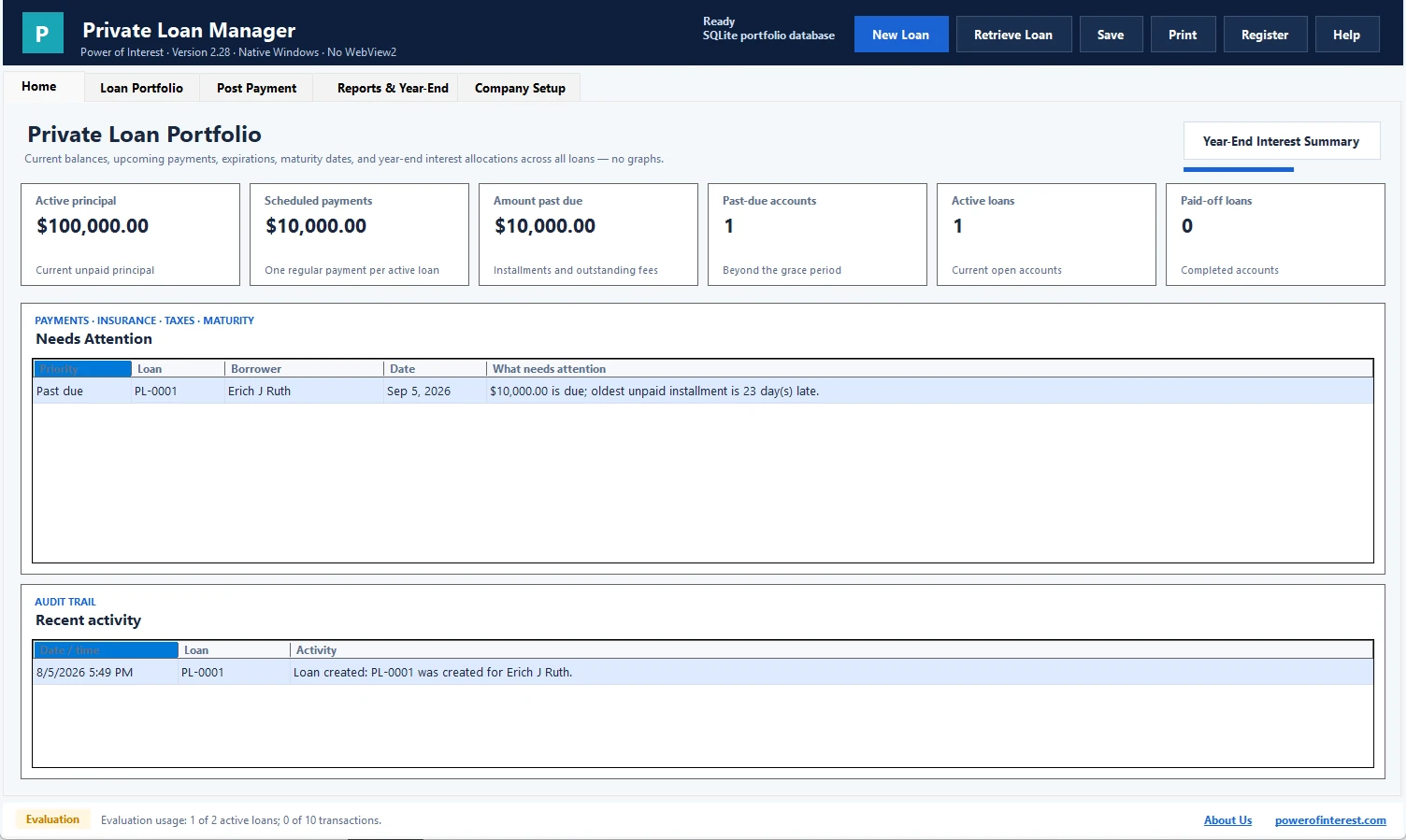
Portfolio dashboard
See active principal, scheduled payments, past-due amounts, open loans, and upcoming maturities at a glance.
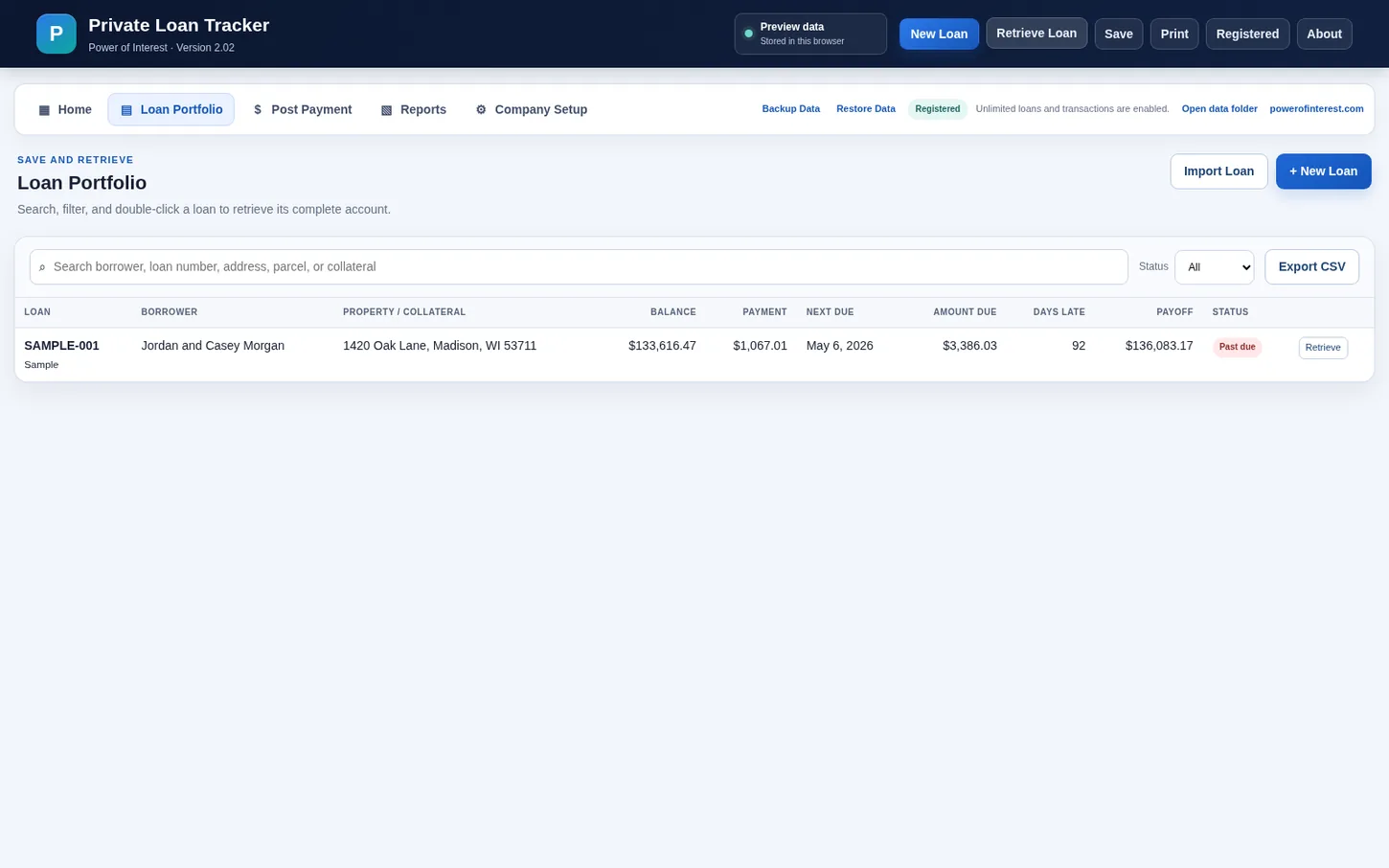
Loan portfolio
Search borrowers and review balance, payment, next due date, amount due, days late, payoff, and status.
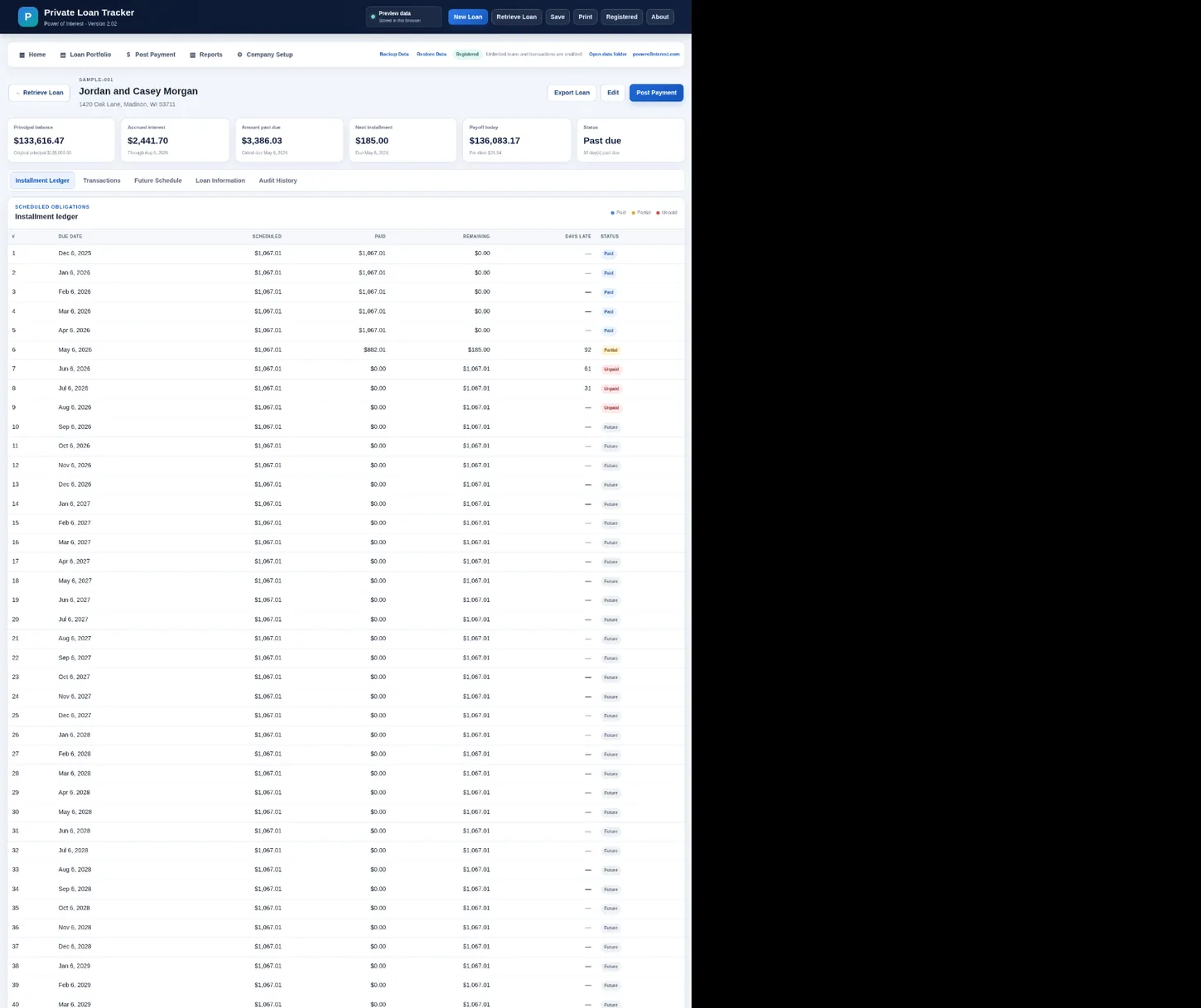
Installment ledger
Review scheduled obligations against actual amounts paid and quickly identify partial, unpaid, and future installments.
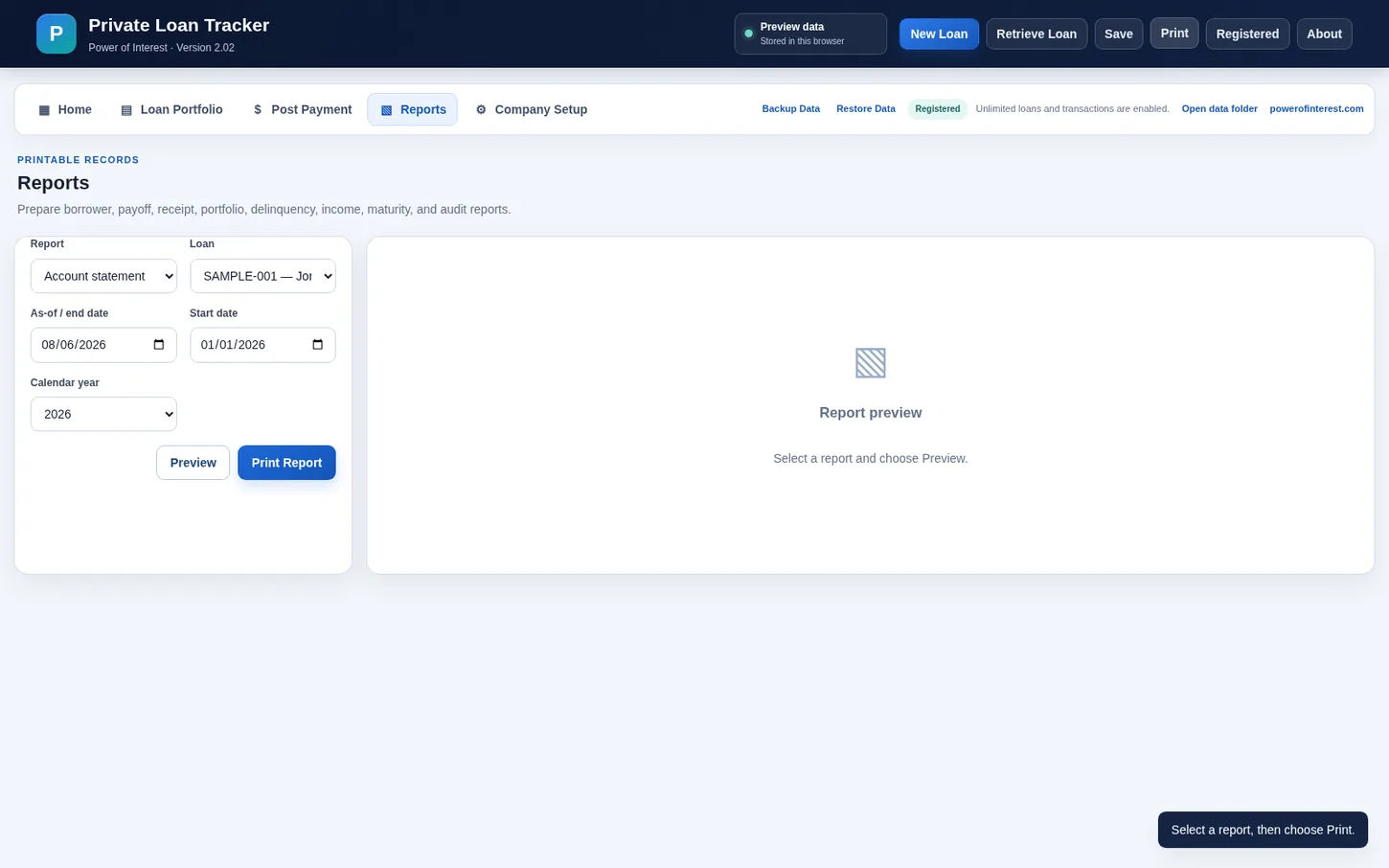
Reports
Prepare borrower, payoff, portfolio, delinquency, income, maturity, and audit reports from one reporting screen.
Evaluation, purchase, and registration
The Windows download is the complete program operating in evaluation mode. You can create up to two active loans and post up to ten transactions before registration is required.
After purchasing through PayPal, PayPal returns you to the Power of Interest registration page. Open Register Software in Private Loan Manager and enter the Installation ID or User ID requested on the page. The registration page verifies the purchase and provides the one-time passcode automatically. No email or manual response is required, so you can register any time, day or night.
Instant online registration after PayPal purchase — no waiting for email. One-time purchase · No subscription · Secure payment through PayPal · Free evaluation available · Refund policy · License terms
What happens after you buy?
Native Windows software
Private Loan Manager 2.14 uses a native Windows Forms interface and a local SQLite portfolio database. It does not require Microsoft Edge WebView2. The installer is self-contained and installs to C:\ERICH\Private Loan Manager.
Private loan records stay on your computer
The program is designed as desktop loan-management software. Your loan portfolio is stored locally rather than uploaded to the Power of Interest website.