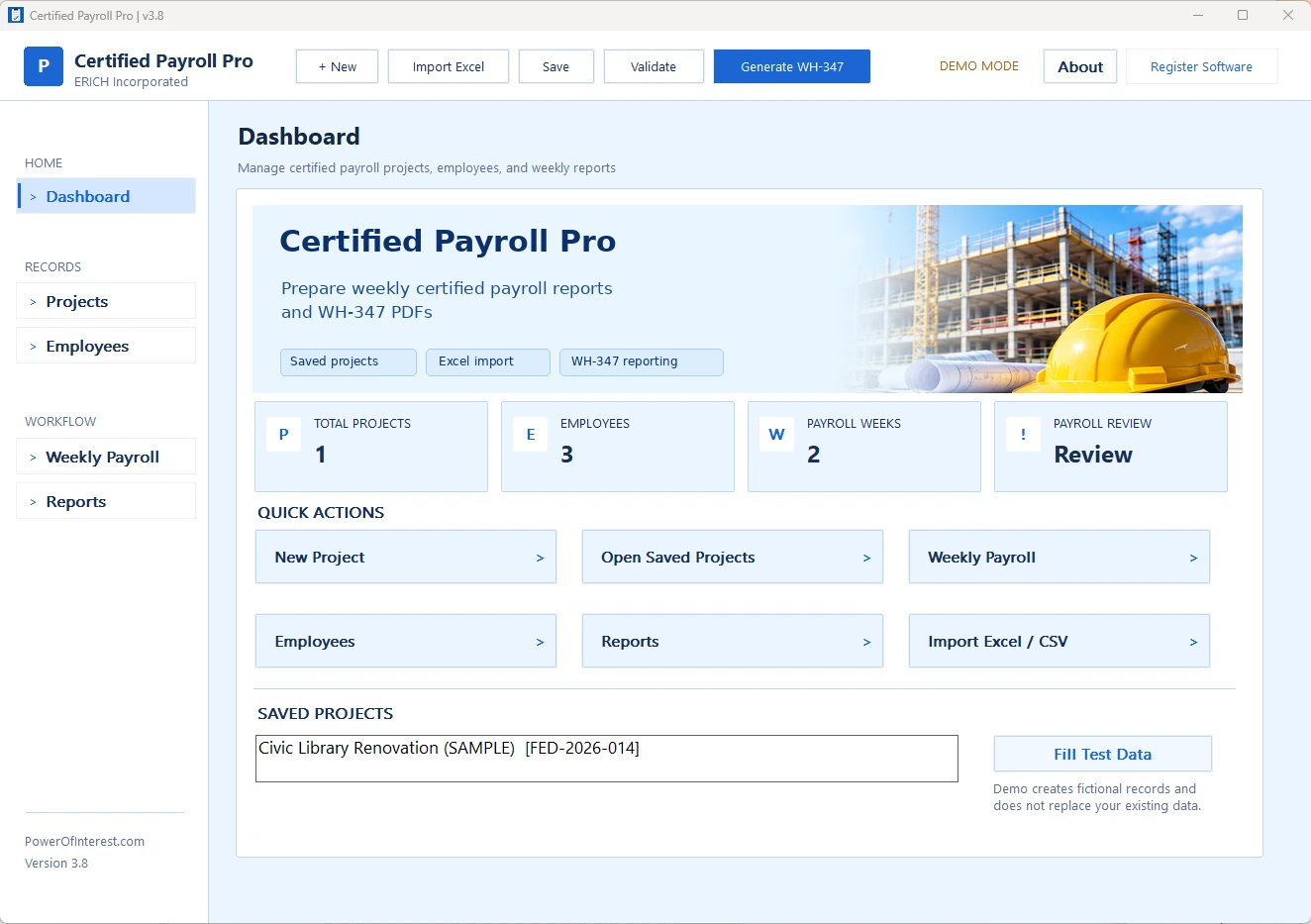
Save construction projects
Keep project identifiers and job details together so you can return to the same project for the next reporting week.
Windows certified payroll software · Free demo
Prepare weekly WH-347 certified payroll reports for Davis-Bacon construction projects. Import Excel or CSV payroll data, reuse saved projects and employee records, review missing details, and generate WH-347 PDFs—all in one Windows program.
One-time $199 license · No monthly subscription. Already purchased? Register · Refund policy
What the software does
Certified Payroll Pro helps contractors and subcontractors organize the recurring information behind certified payroll reporting. Instead of starting a new form from scratch each week, keep the job and employee information available, bring in payroll data, check it, and produce a PDF for review.
Keep project identifiers and job details together so you can return to the same project for the next reporting week.
Maintain worker records within the application rather than rebuilding an employee list for every payroll period.
Use the supplied Excel example to prepare import data and reduce manual entry of recurring payroll information.
Work with payroll weeks in a dedicated Windows desktop interface and revisit saved records when needed.
Run review checks to identify missing entries and issues to investigate before preparing a certified payroll statement.
Generate WH-347 payroll pages and an unsigned Statement of Compliance for the responsible official to review and sign.
Practical workflow
The software is for preparing the paperwork—not replacing payroll processing, wage-determination review, or the contractor's certification.
Create or open a saved construction project, then work with its employees and the correct weekly reporting period.
Import Excel or CSV data, or work in the weekly payroll screen. Use validation to identify items that need attention.
Produce the WH-347 and Statement of Compliance pages, verify the wage and payroll details, then arrange for the required signature and submission.
Inspect the output
Before buying, inspect the type of report the program produces and the payroll spreadsheet format used for imports.
Review example weekly payroll pages, the unsigned Statement of Compliance and internal review findings. The sample uses fictional records.
View Sample PDFDownload an example workbook to see the fields and structure used when importing payroll records into Certified Payroll Pro.
Download Sample ExcelFor covered Davis-Bacon and Related Acts contracts, weekly payroll information and a signed Statement of Compliance are generally required; use of the WH-347 form itself is optional. Certified Payroll Pro is independent software that helps prepare reports. It does not determine the correct prevailing wage, certify payroll accuracy, apply a signature, or file the report for you.
The contractor or authorized signer remains responsible for checking wage determinations, classifications, fringe benefits, deductions, apprenticeship details, payroll amounts, and submission requirements. Read the U.S. Department of Labor's WH-347 instructions.
Common questions
Contractors and subcontractors preparing recurring weekly certified payroll reports for construction projects subject to Davis-Bacon and Related Acts requirements. The program organizes records and generates draft WH-347 PDFs for review.
Yes. Certified Payroll Pro supports Excel and CSV payroll imports. You can download the sample Excel import workbook above to see an example of the required structure.
Yes. The program generates draft WH-347 payroll and Statement of Compliance PDF pages. An authorized person must review, sign and submit them as required.
No. The software can flag some missing information for review, but it does not establish prevailing wage compliance, certify a statement, or submit forms to a government agency or project owner.
Yes. Use the Free Demo button above. A registered license costs $199 as a one-time purchase, without a monthly subscription.